




5G Travel eSIM for Japan with Unlimited Data and Hotspot
Highlights
- Stay connected with high-speed 5G data and hotspot access in Japan.
- Explore Japan with unlimited data and hotspot on your 5G Travel eSIM.
What to expect
Experience Japan with the 5G Travel eSIM for Japan, offering unlimited data and hotspot access. Stay connected and explore the country without worrying about data limits. Ideal for travelers seeking hassle-free connectivity during their trip.
What's included
- Prepaid eSIM for data communication only
About this experience
Location and Directions
Itinerary
■4days (Activation Day+3days)Unlimited 5G Speed data with + HOTSPOT(tethering) 3GB
■7days (Activation Day+6days)Unlimited 5G Speed data with + HOTSPOT(tethering) 6GB
■10days (Activation Day+9days)Unlimited 5G Speed data with + HOTSPOT(tethering) 9GB
■15days (Activation Day+14days)Unlimited 5G Speed data with + HOTSPOT(tethering) 15GB
How to recieve
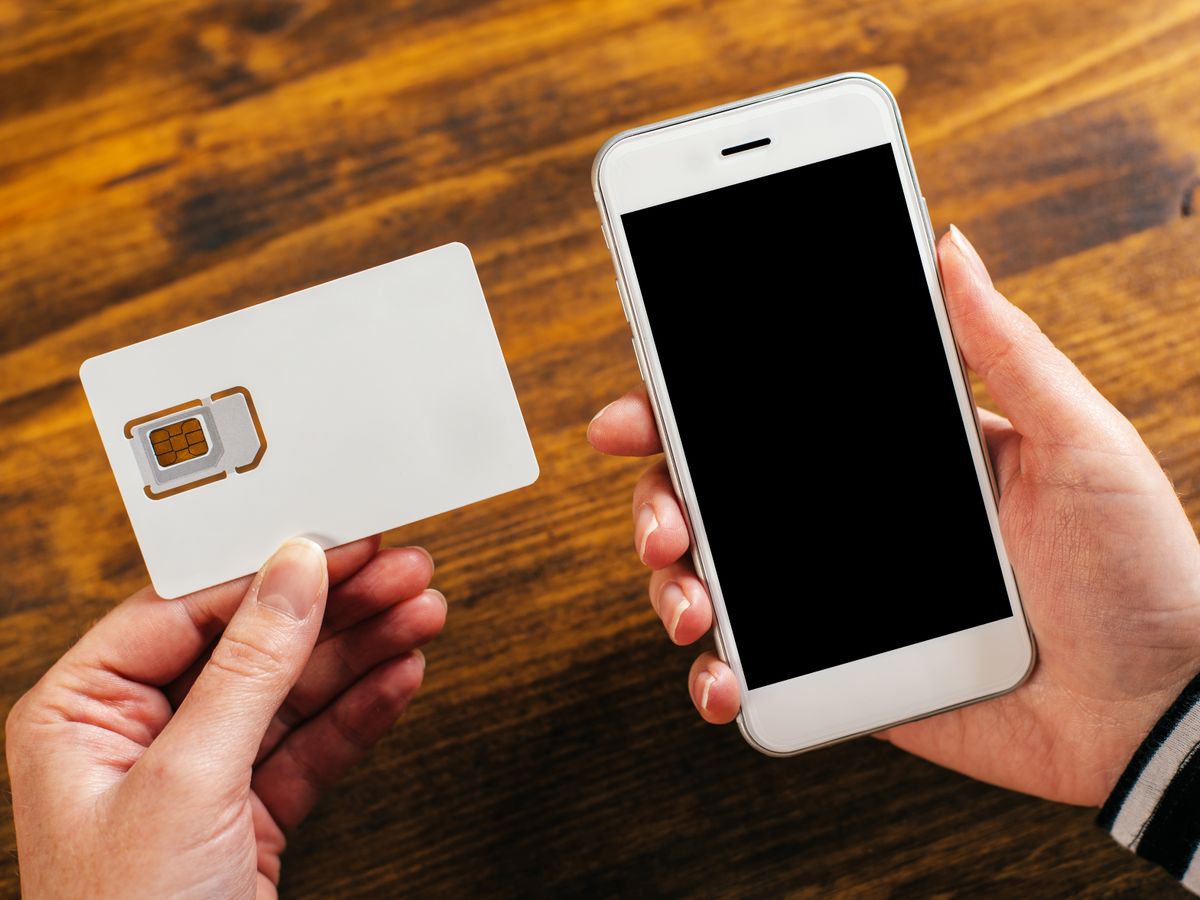
The data-only prepaid eSIM will be delivered via email. After your reservation is confirmed, we will send you a QR code.
Setup Instructions
Please refer to the "eSIM Setup Instructions" attached in the notes section of this page and follow the steps to set it up yourself.
*Please do not scan with the camera. Instead, go to Settings → Add eSIM Card to scan.
*If APN settings are required, please configure the following information.
APN:uad5gn.au-net.ne.jp
User Name:au@uad5gn.au-net.ne.jp
Password:au
Authentication Type:CHAP
■7days (Activation Day+6days)Unlimited 5G Speed data with + HOTSPOT(tethering) 6GB
■10days (Activation Day+9days)Unlimited 5G Speed data with + HOTSPOT(tethering) 9GB
■15days (Activation Day+14days)Unlimited 5G Speed data with + HOTSPOT(tethering) 15GB
How to recieve
The data-only prepaid eSIM will be delivered via email. After your reservation is confirmed, we will send you a QR code.
Setup Instructions
Please refer to the "eSIM Setup Instructions" attached in the notes section of this page and follow the steps to set it up yourself.
*Please do not scan with the camera. Instead, go to Settings → Add eSIM Card to scan.
*If APN settings are required, please configure the following information.
APN:uad5gn.au-net.ne.jp
User Name:au@uad5gn.au-net.ne.jp
Password:au
Authentication Type:CHAP
Itinerary
Notes
-We recommend setting up the eSIM before traveling. Due to potential interruptions in the installation process when scanning the QR code in a different network environment, it may display "activation failed," preventing the setup via QR code.
-While we recommend pre-installing the eSIM, please note that for some products, installation marks the start of usage. Therefore, we advise checking the product details page before setting up.
-Please avoid using airport free Wi-Fi.
-During activation, please avoid stopping or canceling the process.
-Before departure, the status should be "activating" or "on activation completed." If it is still activating upon arrival, please turn on the registered eSIM and data roaming from the settings.
-Even if the screen displays "activating" or "activation failed," it will be completed upon picking up the local signal. Once completed, it will display "on." If it shows "off," please switch it to "on" from the settings.
-We recommend setting up the eSIM before traveling. Due to potential interruptions in the installation process when scanning the QR code in a different network environment, it may display "activation failed," preventing the setup via QR code.
-While we recommend pre-installing the eSIM, please note that for some products, installation marks the start of usage. Therefore, we advise checking the product details page before setting up.
-Please avoid using airport free Wi-Fi.
-During activation, please avoid stopping or canceling the process.
-Before departure, the status should be "activating" or "on activation completed." If it is still activating upon arrival, please turn on the registered eSIM and data roaming from the settings.
-Even if the screen displays "activating" or "activation failed," it will be completed upon picking up the local signal. Once completed, it will display "on." If it shows "off," please switch it to "on" from the settings.
Itinerary
Notes
-Upon arrival at your destination, please restart your device in an area with network coverage and turn on eSIM data roaming.
-Once the QR code is installed, it cannot be reinstalled.
-Please do not delete the eSIM even if issues occur during setup. If the eSIM is deleted, we may not be able to reissue or provide a refund.
-Upon arrival at your destination, please restart your device in an area with network coverage and turn on eSIM data roaming.
-Once the QR code is installed, it cannot be reinstalled.
-Please do not delete the eSIM even if issues occur during setup. If the eSIM is deleted, we may not be able to reissue or provide a refund.
Itinerary
Free au WiFi Zone
Free WiFi is available at many places such as Starbucks, Doutor, KFC, Subway, Don Quijote and Big Camera.
Available Zone : https://au.wi2.ne.jp/area/
Free WiFi is available at many places such as Starbucks, Doutor, KFC, Subway, Don Quijote and Big Camera.
Available Zone : https://au.wi2.ne.jp/area/
Restrictions
- The QR code is for one device (one person). If you wish to use multiple devices (for multiple people), please make a reservation for the required number of devices for each day.
- Before purchasing the eSIM, it is essential to confirm that your device is compatible with eSIM. To do so, dial "*#06#" on the phone screen. If the message "EID" is displayed, your device is eSIM compatible.
- Non-SIM-free devices require prior SIM unlocking.
- This eSIM plan is for data communication only. With the exception of some products, phone calls and SMS are not available.
- It is not compatible with personal computers.
Additional notes
- Since the eSIM is issued after payment confirmation, it may take some time for the QR code to reach you. It can take up to three days from the reservation date for the QR code to be issued.
- The QR code will be sent directly to you by the operating company (DDM Co., Ltd. / order@kimochiesim.com). For inquiries, please contact the operating company directly, not VELTRA.
- Changes cannot be made after application.
- eSIM Setup Instructions (for iOS Users)
For iOS users, please refer to the attached PDF "eSIM Setup Instructions (iOS)" and follow the steps to set it up yourself. - eSIM Setup Instructions (for Android Users)
For Android users, please refer to the attached PDF "eSIM Setup Instructions (Android)" and follow the steps to set it up yourself. - If you made a mistake in your reservation, please contact the operating company directly immediately after making the reservation. Once the QR code has been issued, we cannot accept any changes to the reservation due to reservation mistakes, and you will need to make a new reservation.
Please note that inquiries should be sent directly to the operating company from your My Page, not to VELTRA. - eSim is valid for 180days from the date of issue. (JP time 23:59:59 of 180days)
- The date change time is 00:00 local time (based on UTC+9).
Once this time is reached, one day of usage will be counted.
Please be mindful of your activation time.
For more details, please contact the operating company: DDM Co., Ltd. - Please be sure to contact Ptr directly—via LINE, phone, or email—regarding any issues such as connection problems while you are still at the location.
Operated by
株式会社DDM (Code:187530)
Cancellation policy
- On the activity day / No-show: 100%